

TL;DR
ChatGPT virtual assistant workflows are the backbone of my AI Day OS: a lightweight system with four short interactions (AM plan, mid-day replan, meeting capture, PM review). A lightweight system I call the AI Day OS: four short ChatGPT interactions (AM plan → mid-day replan → meeting capture → evening review). Copy the modular prompts below, choose your role variant (agency owner, solo consultant, team lead), and grab the Notion/Google Doc template pack to put it on rails.
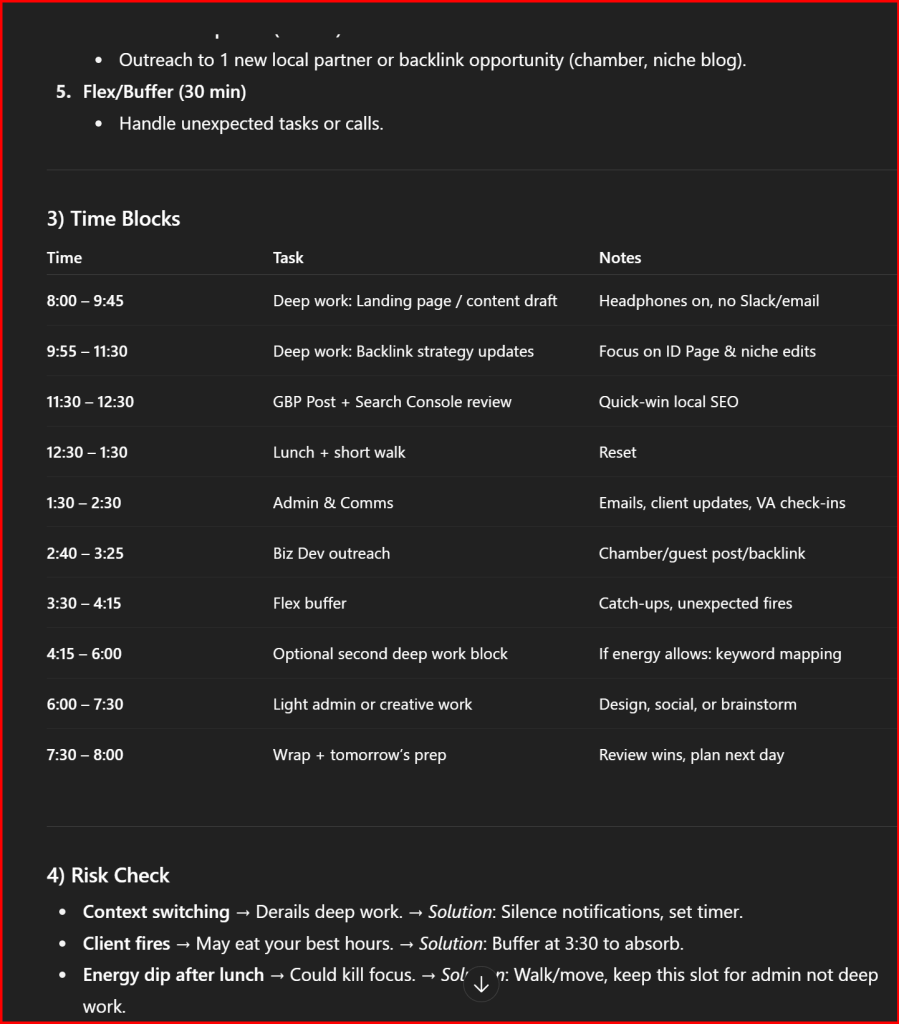
Table of Contents
- What is the AI Day OS?
- Quick Setup (2 minutes)
- The Daily Flow (AM → Mid-day → Meetings → PM Review)
- Copy-Paste Prompt Modules
- Role Variants & Common Obstacles
- Example Outputs (so you know what “good” looks like)
- FAQs
- Your Next Step
1) What is the AI Day OS?
I run a boutique SEO practice where clarity and momentum make or break the day. I use a ChatGPT virtual assistant to quickly set my priorities and time blocks each morning. The AI Day OS is the simplest loop I’ve found to get real work finished without drowning in tabs, pings, or “someday” lists. It’s not a new app. It’s a tiny ritual with ChatGPT:
- AM plan (10 minutes): pick wins, time-block, and confirm scope.
- Mid-day replan (3 minutes): adjust to reality without derailing the day.
- Meeting capture (during/after): turn notes into tasks and deadlines.
- Evening review (5 minutes): close the loop and tee up tomorrow.
You’ll see my exact prompts below: clean, modular, and fast to copy.
2) Quick Setup (2 minutes)
- Decide your container: Notion, Google Doc, or a simple text file.
- Create 4 mini-templates titled: AM Plan, Mid-day Replan, Meeting Capture, PM Review.
- Pin this page or drop the prompts into your template of choice.
- Optional: add a keyboard shortcut/snippet to paste the AM Plan instantly.
Grab the ready-to-use Notion + Google Doc template pack here: [Download Template Pack]
(Includes sections, checkboxes, and a sprint board view.)

3) The Daily Flow
A) Morning Plan (10 minutes)
- Identify 1 to 3 outcomes that matter.
- Time-block deep work first, meetings around it.
- Set guardrails for interruptions and comms.
Paste this into ChatGPT:
You are my virtual chief of staff. Build a clear day plan in this format:
1) Top 3 outcomes (plain language, tied to impact)
2) Sequenced tasks (60 to 120 min deep work first, then admin/comms)
3) Time blocks (start to end, with 10-min buffers)
4) Risk check (what can derail me and how to handle it)
5) Communication plan (who gets updates, when, and how brief)
Context:
– Role: [agency owner | solo consultant | team lead]
– Non-negotiables today: [list]
– Meetings already on calendar: [times + names]
– Hard stop: [time]
– Energy patterns: [best focus windows]
Return the plan in a simple checklist plus a compact schedule table.
B) Mid-Day Replan (3 minutes)
- Reality check. Trim, sequence, and set a simple “if-then” pivot.
Paste this:
Quick replan. Here’s what actually happened so far: [bullet list].
Given remaining time [X hours] and energy [short note], propose:
1) Keep | cut | defer
2) New order (short list)
3) Updated time blocks
4) One-line focus rule for the afternoon
Keep it tight. No fluff.
C) Meeting Capture (during or right after)
- Turn notes into clean tasks, owners, and deadlines.
Paste this:
Meeting capture. Convert raw notes into:
– Decisions (what, who, by when)
– Tasks (owner, due date, link/file)
– Risks/blockers (status + next move)
– Follow-ups (date + channel)
Use a compact table. Flag anything ambiguous for me to clarify in one line.
Notes: [paste your notes or bullets]
D) Evening Review (5 minutes)
- Close open loops and set tomorrow’s runway.
Paste this:
PM review. Summarize:
1) What shipped (with links)
2) What slipped (with reason)
3) What to roll to tomorrow (RICE-style priority: Reach/Impact/Confidence/Effort in 1 line)
4) Calendar-ready first block for tomorrow (90 to 120 mins)
5) One sentence lesson learned
Give me a brief, motivating sign-off.
4) Copy-Paste Prompt Modules
Module: Distraction Guardrails
If I get interrupted, apply this rule:
– Pause timer, jot the interrupt in “parking lot,” resume plan.
– Only switch if impact > today’s top outcome OR <5-min fix.
Ask me once: “Switch or park?” Then update the plan.
Module: Content/SEO Work Packet (my daily staple)
Create a work packet for [topic/page]:
– Outcome: [rank/convert goal]
– Inputs: [GSC terms, page URL, notes]
– Deliverables: Outline, H1/H2s, FAQ ideas, internal link targets, metadata draft
– Time budget: [minutes]
Return as a checklist with tiny estimates per task.
Module: Inbox/Comms Sweep (15 minutes max)
Design a 15-min comms sweep:
– 3 buckets: reply now (<2 min), delegate, schedule
– Draft short replies in my voice
– List follow-ups with a single deadline
Stop me at 15 min and recap what moved.
5) Role Variants & Common Obstacles
Role Variants
- Agency owner: emphasize revenue-tied outcomes, client ROI, and team delegation.
Add to prompts: “Bias toward revenue-moving items and delegate anything under 30 minutes.” - Solo consultant: prioritize deep work and boundary-setting.
Add: “Protect two 90-minute deep-work blocks. Batch comms at the end of each block.” - Team lead: focus on unblockers and decisions.
Add: “Surface blockers first; schedule 10-minute decision windows to unblock others.”
Obstacles → Prompt Fixes
- Context switching every 15 minutes → Add Distraction Guardrails module.
- Back-to-back meetings → In AM plan, ask for 5-minute buffers + notes prompt injected between meetings.
- Ambiguous tasks → In all modules: “Flag ambiguity in one line and propose a crisp next step.”
- Energy dips after lunch → In AM plan: “Schedule shallow tasks 1 to 2 PM; hold deep work for best focus windows.”
- Long email threads → Use Inbox/Comms Sweep with “reply templates in my voice.”
6) Example Outputs
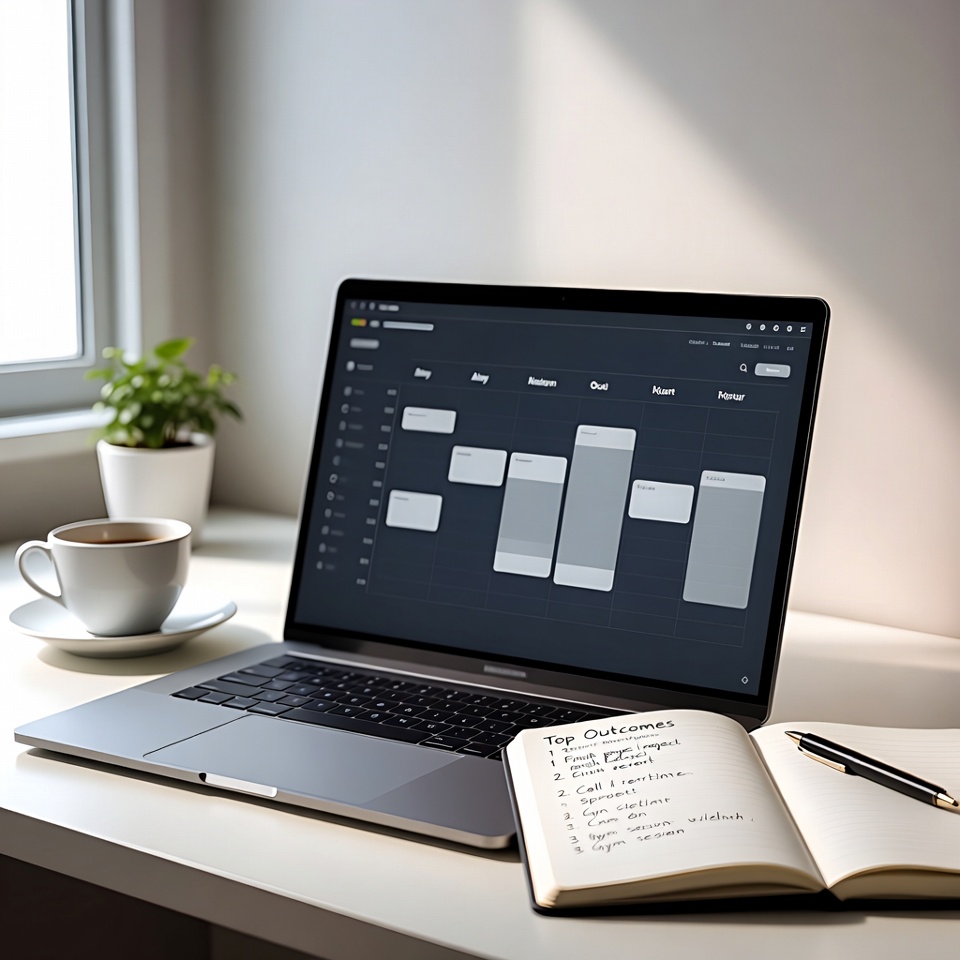
AM Plan Snapshot (example)
- Top outcomes: Publish “AI Day OS” article; finalize client roadmap; close two open tickets.
- Schedule:
- 8:30 to 10:30 Deep work: Draft article
- 10:30 to 10:40 Buffer
- 10:40 to 11:30 Client roadmap edits
- 11:30 to 12:00 Comms sweep
- 1:00 to 2:00 Meetings (2)
- 2:00 to 3:00 Ticket closeout
- 3:00 to 3:15 Buffer
- 3:15 to 4:30 Article polish & metadata
- 8:30 to 10:30 Deep work: Draft article
Mid-day Replan (example)
- Keep: Article, roadmap. Cut: newsletter draft. Defer: social clips.
- New order: Ticket closeout → Article polish → Comms sweep.
- Focus rule: “One task to done before opening email.”
Meeting Capture (example)
- Decisions: Ship roadmap v1 by Thu (Owner: J., 30 min polish).
- Tasks: Create KPI tracker (Owner: A., Fri EOD).
- Risks: Missing GSC access (Next: request access, today).
- Follow-ups: 15-min check-in Tue via Slack.
7) FAQs
Q1: Can ChatGPT schedule my calendar?
It can propose blocks and reminders. You’ll place them on your calendar. Some tools connect via plugins; this flow keeps it simple and reliable.
Q2: How do I handle surprise tasks?
Use the Mid-day Replan. If the new item outranks your top outcome or is a <5-minute win, switch. Otherwise, park it.
Q3: What about large projects that span weeks?
Wrap them in work packets with clear deliverables and a weekly review. The AM plan just moves the next packet forward.
Q4: Should I paste private details into ChatGPT?
Keep sensitive info out. Summarize or anonymize when needed.
Q5: How is this different from a to-do app?
It’s a decision ritual, not a database. You still store tasks wherever you like; the AI Day OS turns today’s chaos into one finished outcome at a time.
8) Your Next Step
- Copy the AM Plan and run it tomorrow morning.
- Add Mid-day Replan and Meeting Capture to your routine.
- End the day with a PM Review to lock in compounding progress.
- Grab the [Download Template Pack] and make it yours.
- Want help tailoring this to your team? [Book a workflow teardown]: we’ll tighten it in one focused session.
This daily workflow is one way to put AI to work. When you are ready to point the same habits at your marketing and visibility, our guide to Claude Code for local business owners walks through planning, briefing, and verifying AI work for your own search presence.
Author
Jeremy Bengtson is the founder of The Search Sherpa. I help small and mid-sized service brands get visible in the moments that matter. This system is how I protect deep work and ship the work that grows businesses.
Explore This Topic
Claude Code Overwriting Changes: How to Manage Conflicting Sessions

Watch: Claude Code Keeps Undoing My Edits
SEO for Property Management (2026): How Managers Get Found by Owners

SEO for Insurance Agencies (2026): How Local Agents Get Found

Hiring an AI Website Developer: What YouTube Videos Cannot Prove
Join Over 400,000 Entrepreneurs Getting Our Weekly Newsletter
Recent Posts
October 15, 2026
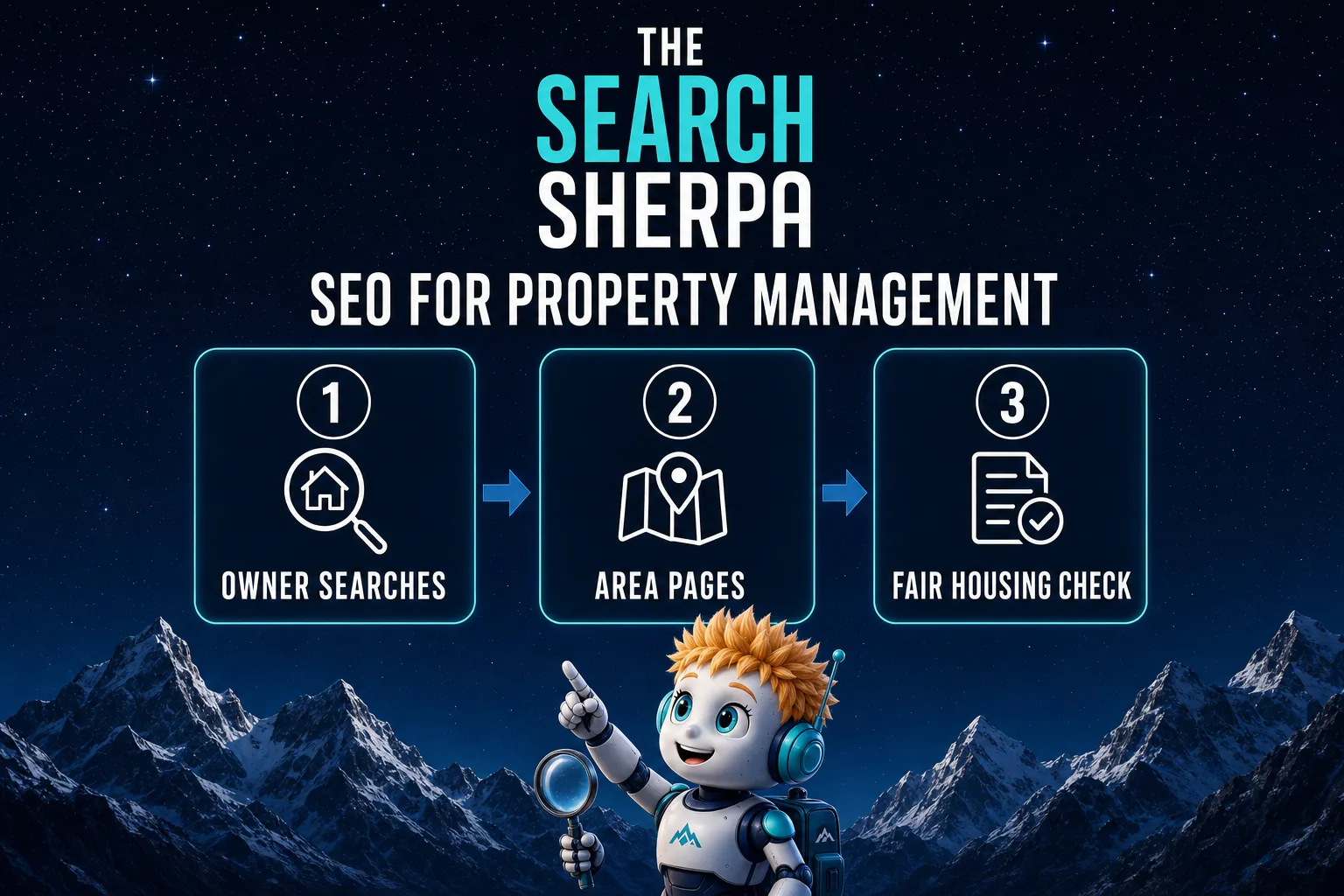
SEO for property management in 2026: reach rental owners with a Google Business Profile, area pages, Fair Housing-safe copy, honest reviews, and cost.
October 15, 2026
SEO for insurance agencies in 2026: Google Business Profile setup, line and town pages, honest reviews, ad-rule checks, and what local SEO costs.
October 12, 2026
A YouTube demo shows only part of a provider’s work. Learn what to verify about AI review, access, backups, testing, ownership, and support