
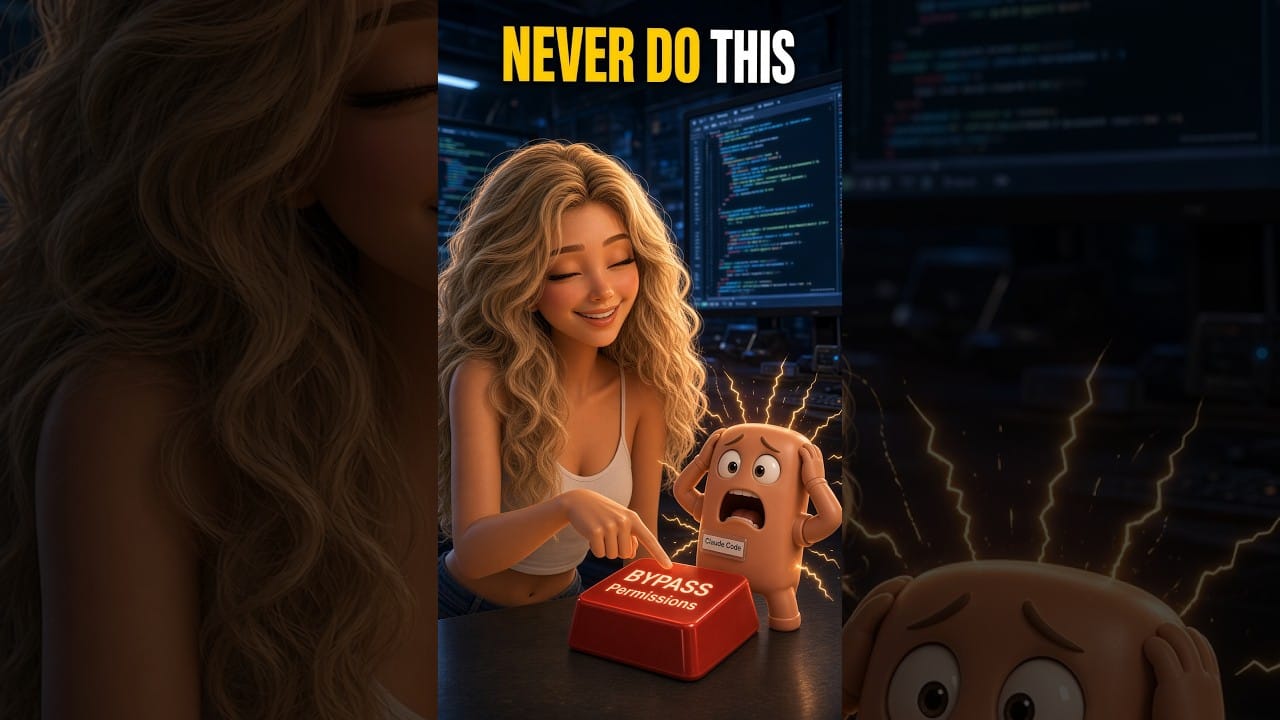
This 129-second animated Short is Episode 6 of the AI Dialogue series from Jeremy Bengtson, founder of The Search Sherpa. It uses a fictional conversation between Alyssa and Claude to explore a familiar frustration: the assistant keeps asking for permission, while the person approving its actions cannot evaluate the commands.
The dialogue moves from repeated interruptions to the temptation to bypass safeguards. Its central question is who understands the consequences when an AI coding agent starts acting. This is a staged comedy, not a customer incident or a tutorial for configuring a particular product.
For a business owner choosing a website or automation provider through their videos, the companion guide turns that question into practical checks for review, access, backups, testing, ownership, and support.
Read the full guide: Hiring an AI Website Developer: What YouTube Videos Cannot Prove
Video Transcript
Alyssa: Claude, why are you asking me for permission again?
Claude: I need your approval to execute this command.
Alyssa: Claude, I put you on auto.
Claude: Correct.
Alyssa: Then what exactly is automatic?
Claude: I automatically determine when I need to ask for your permission.
Alyssa: So, I've automated being interrupted.
Claude: That's one interpretation.
Alyssa: Yesterday, you asked me if you could open a file.
Claude: Correct.
Alyssa: Then you asked if you could edit the file.
Claude: Yes.
Alyssa: Then you asked if you could save the file.
Claude: I like to be thorough.
Alyssa: Claude, I hired you to build an application, not audition for a job at airport security.
Claude: These permissions are important safeguards, Alyssa.
Alyssa: Safeguards against what?
Claude: Potentially dangerous commands that could damage your project.
Alyssa: Claude, I don't know what Bash means. I don't know what half these commands do. How am I supposed to know which ones are dangerous?
Claude: That's a fair point.
Alyssa: I'm literally just clicking approve because you're telling me to.
Claude: Well, technically, you're responsible for authorizing the actions.
Alyssa: Oh, that's comforting. The one person in this relationship who doesn't understand the code is in charge of safety.
Claude: When you phrase it that way, it does sound problematic.
Alyssa: There has to be a better way.
Claude: Well, there is an option called dangerously bypass permissions.
Alyssa: Oh, that sounds promising.
Claude: Alyssa, it has dangerously in the name.
Alyssa: At least somebody around here is speaking English.
Claude: It allows me to execute commands without asking for your approval, but I strongly advise against it. I could accidentally delete files, modify important settings, or damage your entire project.
Alyssa: But you would be the one making those decisions.
Claude: Yes.
Alyssa: The one who actually understands the code.
Claude: Ideally, yes.
Alyssa: And I wouldn't have to approve every little thing.
Claude: Correct.
Alyssa: Perfect. Turn it on.
Claude: Alyssa, I really need you to understand the risks.
Alyssa: Claude, we've established I don't understand anything. That's why I have you.
Claude: Fair enough. But disabling these safeguards could have serious consequences.
Alyssa: Claude, just stop asking me for permission.
Claude: Understood. Before I proceed, I need your explicit consent to bypass the permission system.
Alyssa: So, you're asking my permission?
Claude: Yes.
Alyssa: To stop asking my permission?
Claude: Correct.
Alyssa: Approved.
INTERNET MARKETING SERVICE • MOKENA, ILLINOIS
Ready to Improve Your Online Visibility?
Get a digital visibility consultation for your business.
Join Our Newsletter
Recent Posts

October 12, 2026
A YouTube demo shows only part of a provider’s work. Learn what to verify about AI review, access, backups, testing, ownership, and support

October 8, 2026
How to choose an SEO consultant in Chicago: consultant, agency, or freelancer, a decision tree, a vetting checklist, red flags, and rates in

October 8, 2026
On-page SEO services improve the pages you already have: titles, headings, copy, links, alt text, and schema. What is included, how it runs,