
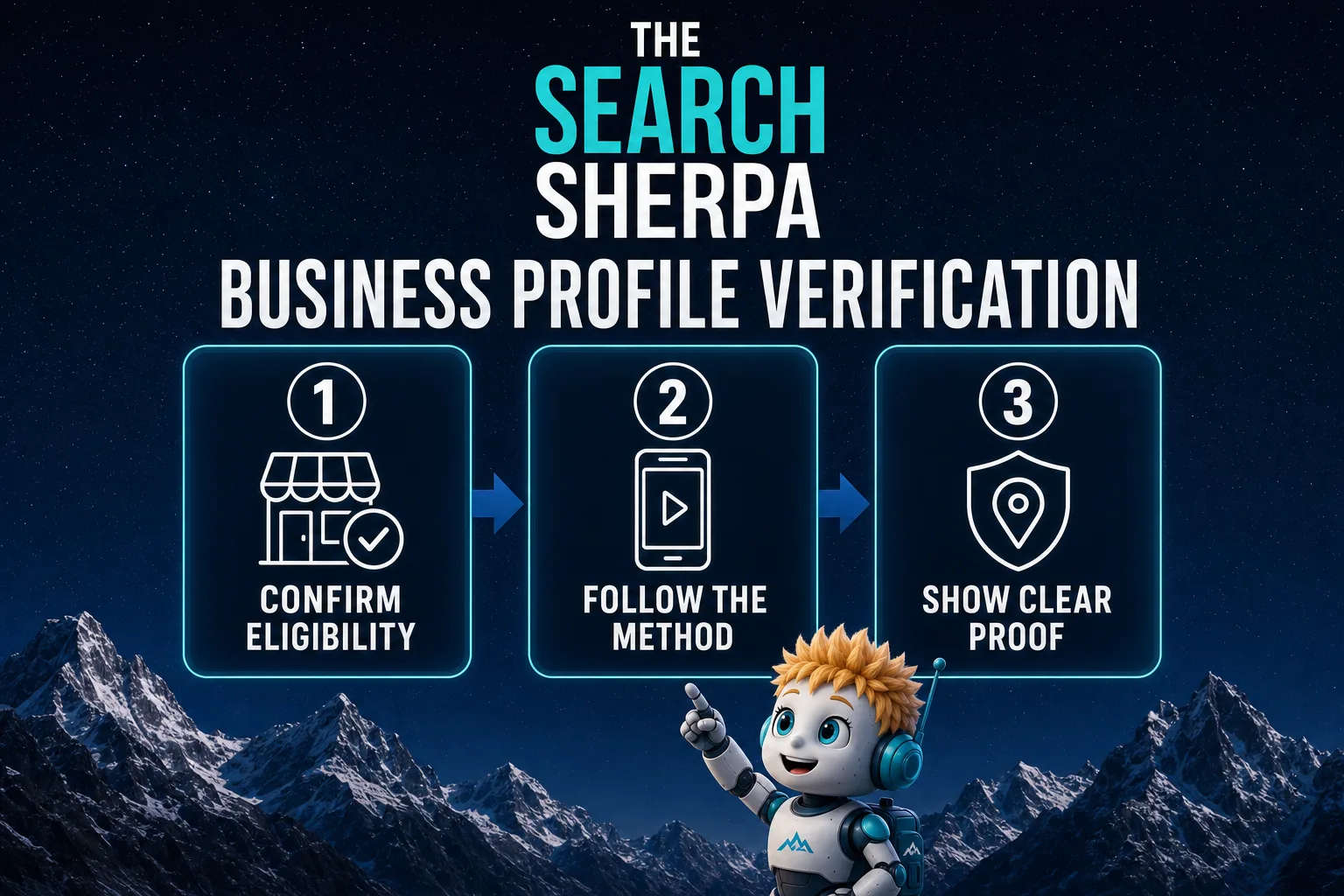
By Jeremy Bengtson, founder of The Search Sherpa.
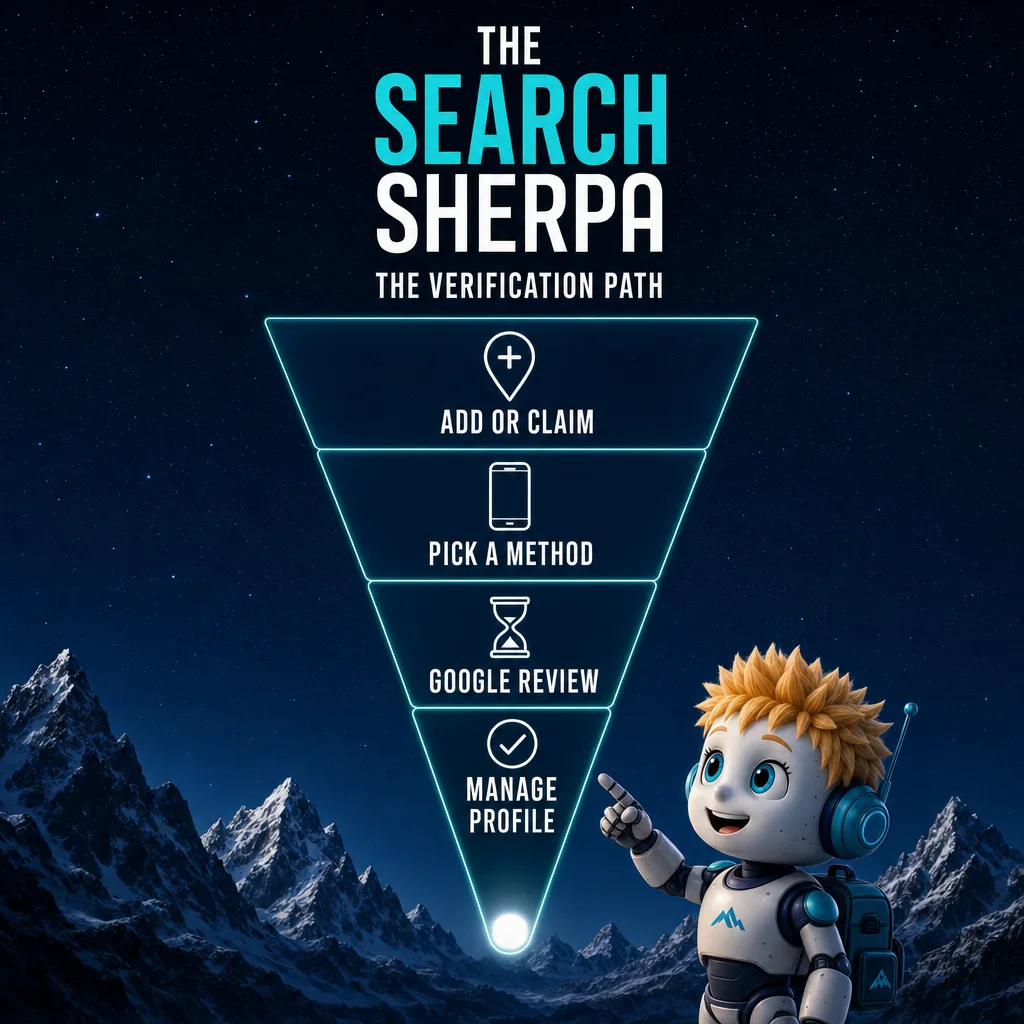
Google Business Profile verification is how Google confirms that you own or manage a real business before it lets you control the profile. Google sets your options. Today that can mean a video recording, a live video call, a phone or text code, an email, or a code by mail. Google says the review can take as long as five business days, and rarely longer.
The Search Sherpa is a founder-led SEO practice in Mokena, Illinois, and Business Profiles are a core part of our work. Every rule below is quoted from Google Business Profile Help as it read on October 29, 2026. Check the linked page before you act.
What Google Business Profile verification does
Verification is Google’s check that you own or manage a real business at the address or in the service area you claim. Until it is done, you cannot edit the profile, and Google says only verified businesses can show their business info on Maps and Search. Verifying is free, and Google sets your options.
Google’s page on how to verify your business on Google says “When you verify your business on Google, you gain ownership of your Business Profile and can make sure your business info is accurate.” Its page on finding your business on Google says “Only verified businesses can show their business info on Maps and Search.” And its page on how to add or claim your Business Profile says “You can add or claim your business at no charge.”
Google’s page on working with third parties says “Third parties can’t promise nor directly influence your business’s ranking on Google Search or Maps through any special means.” If you are verified and still hard to find, see our list of reasons a business does not show up on Google.
Who should verify: the owner, not the agency
Verification gives control to whoever completes it, so use a Google Account the business owns. Google’s eligibility and ownership guidelines say an authorized representative, such as an SEO company, must “Always work directly with the business owner to complete verification.” Representatives must, whenever possible, “encourage the business owner to create an account, own the Business Profile, and add authorized representatives as managers.”
Keep the code to yourself. Google says “Google will never ask for your verification code,” and tells owners not to share it “with anyone, even with those who manage your Business Profile.” Verify first, then add any outside help, such as Google Business Profile management, as a manager.
The verification methods Google offers today
You do not choose from a fixed menu. Google’s verification steps say “Verification methods are automatically determined by Google and can’t be changed.” Your options “depend on your business type, public info, region, or business hours,” and some businesses need more than one method. The table sums up each one.
| Method | What Google asks for | What to watch |
|---|---|---|
| Video recording | One unedited clip with no breaks, at least 30 seconds, recorded and uploaded from a mobile device | Show your location, your business and proof you manage it |
| Live video call | A video call from your business during its listed hours | Not offered to every business |
| Phone or text | A business number that can take a call or a text | Automated phone menus will not get the code |
| Access to the address on the verification screen | Follow the steps in the email | |
| A 5-digit code sent to your mailing address | Most codes arrive within 14 days and expire after 30 | |
| Instant | A site verified in Google Search Console, or bulk verification | Happens only in some cases |
Video recording and live video calls
If you are offered video, take it. Google says “If your business is eligible for video verification, we recommend that you use this option.” Its page on how to verify your business with a video recording asks for “An unedited, unique, and complete recording with no breaks” that is “At least 30 seconds long.” Pre-recorded videos are not allowed.
The video proves three things: where you operate, that the business exists, and that you manage it. For a storefront, film street signs, your name on a permanent sign, and a staff-only spot such as a cash register. Google says “The name shown in your video must match the name on your Business Profile.” Leave out “Sensitive info like bank account, tax, or ID numbers” and other people’s faces.
A live call covers the same ground with a Google support representative watching. Google says “Live video calls are only available within the business hours of your location,” so be at your business and ready to show it.
Phone, text, email and mail
Google warns that “Interactive Voice Response (IVR) systems won’t get the code,” so answer the call yourself or use a number that takes texts. For email, you must be able to use the address shown on the verification screen.
Mail is easy to break. Google says “Most codes arrive within 14 days” and “Verification codes expire after 30 days.” While the postcard travels, do not edit your name, address or category, because “If you do, the code we sent you won’t work.” Do not ask for a second code either. Google says a new code cancels the one in the mail and “can make the process longer.”
Sometimes Google verifies a profile instantly, for example when “You verify your website with Google Search Console.” Search Console’s page on how to add a website property says you “must first prove that you own the site,” and our page on technical SEO services covers Search Console further. Google’s page on how to verify Business Profiles in bulk requires “10 or more profiles from the same business” and lists “Your business isn’t a service-area business.” Chains with staffed locations can start with our guide to multi-location SEO.
How long Google Business Profile verification takes
Google gives one number for the check itself. After you finish the steps, Google says it “reviews the info you provided,” and that can take as long as 5 business days. It adds: “On rare occasions, reviews may take longer.”
Other steps run on their own clocks. If you try to take over a profile someone else verified, Google’s ownership request steps say the current owner “has 3 days to respond.” Google’s address help says most later profile changes show in about 10 minutes, though some take as long as 30 days.
Why it is taking so long, and what to avoid
Google’s pages point to a few causes of a slow or repeated check. Most of them have a fix you control.
- A second postcard code, which cancels the code already in the mail.
- Edits to your name, address or category while a code is on its way.
- Recent changes. When Google wants more information to re-verify, it says “it’s likely because some of your business details were recently updated.”
- A video that missed a requirement. Google shows a “Review issues” notice naming the gap, such as “No nearby area shown.”
If nothing changes after the window, try any other method your profile shows. Google tells you to “try to verify your business with the available verification methods first” before you contact support.
Why verification fails, and what to fix first
Google tells you when a check did not go through. If the “Get verified” button shows again, Google says “it means Google couldn’t completely verify your business.” Fix the cause before you try again.
Check eligibility, address and name first
An ineligible business will not pass with a better video. Google’s eligibility rules say “To qualify for a Business Profile, a business must make in-person contact with customers during its stated hours.” Lead generation companies and online-only businesses are not eligible. Neither is “Any business whose address is listed as a P.O. box or mailbox in a remote location.” Google’s guidelines for representing your business add that a rented address you do not work from, “also known as a virtual office,” is not eligible.
Google’s page on how to manage your business address says “To verify your business, enter a business address that Google can find.” The representing-your-business guidelines add that a business showing its address should keep “permanent fixed signage of their business name at the address.” The name must be real too: “Your name should reflect your business’s real-world name, as used consistently on your storefront, website, stationery, and as known to customers.” Google’s page on how to find your business on Google says a profile that breaks its guidelines “becomes disabled or suspended and won’t show to other users on Google until you resolve the issue,” which is a separate problem with its own fix.
Ownership conflicts and duplicate profiles
If an unverified profile for your business already exists, claim it on Google Maps with “Claim this business.” If someone else verified it, Google’s page on how to request ownership of a Business Profile walks you through a form. Google’s page on duplicate profiles says “You can have only one Business Profile for each business.” If the owner does not answer in 3 days, “you may have the option to claim the profile,” but “The option to claim a profile isn’t always available.” For a service-area business with no shop or office, that page says to contact Google support instead.
Verifying a home-based service business in Mokena and the Lincoln-Way towns
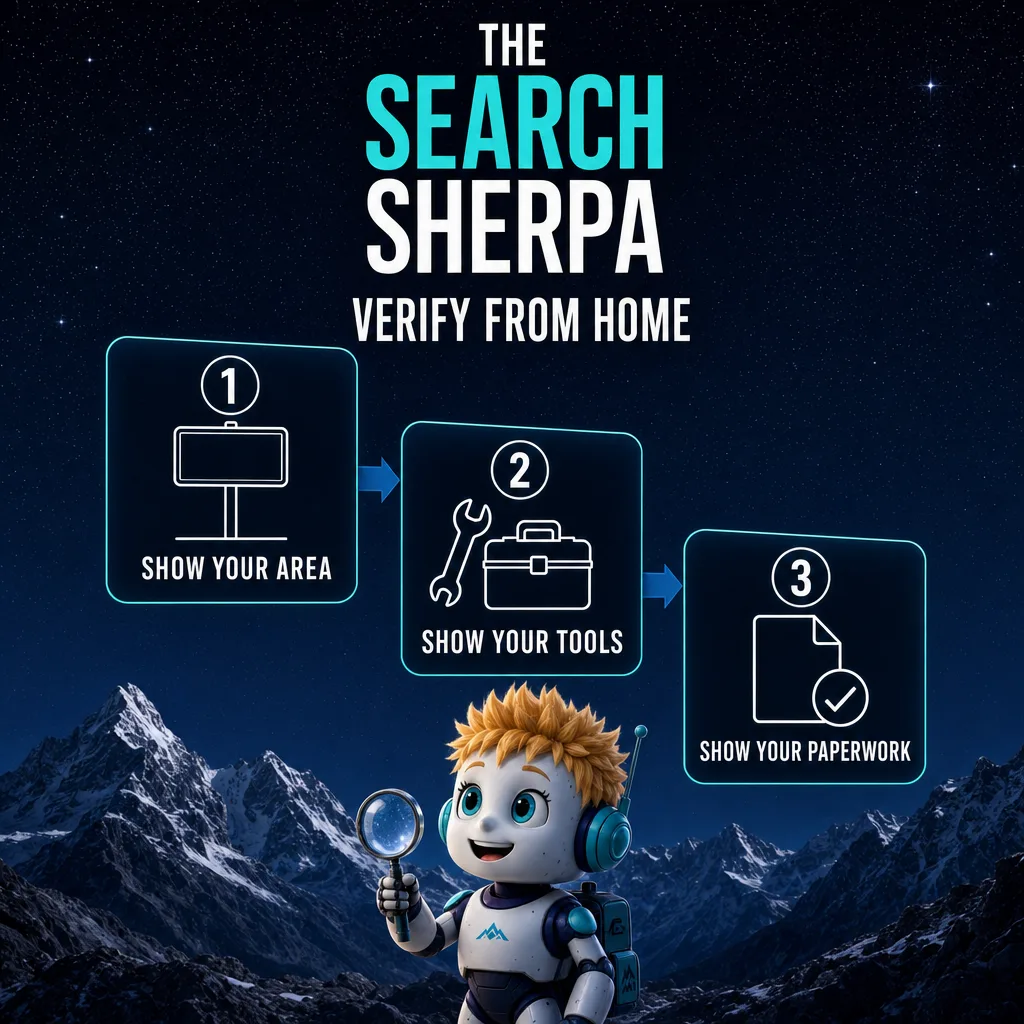
If you run a service business from your home in Mokena, Frankfort, New Lenox or Manhattan, hide your home address and list the towns you serve. Google still verifies that address, but the public sees only your service area. On video, film signs and landmarks in your neighborhood, your work tools, and a document in your business name.
By the Lincoln-Way towns we mean the towns where the grade school districts affiliated with Lincoln-Way Community High School District 210 list their addresses: Mokena, Frankfort, New Lenox and Manhattan. This section fits trades that drive to the customer, which we cover in our guides to HVAC SEO, electrician SEO and landscaper SEO.
Hide the address and set your service areas
Google’s guidelines are direct: “If you’re a service-area business, you should hide your business address from customers.” Google’s example: “if you’re a plumber and run your business from your residential address, clear the address from your Business Profile.” Google’s address page explains why: “The address on your Business Profile is public.”
Then list the towns you actually serve. Google’s page on how to manage your service areas allows as many as 20, by city, postal code or another area, and says “You can’t set your service area as a radius distance around your business.” It also says “Service-area businesses can only have one profile for the whole area that they serve.” A Mokena contractor working across the Lincoln-Way towns would list Mokena, Frankfort, New Lenox and Manhattan on one profile, plus any other town it truly serves.
What to film, and the village paperwork that helps
A home base has no storefront, and Google’s video rules allow for that: “If you run a service-area business from your home, you can record landmarks and signs in your immediate neighborhood to verify the address.” To show the business exists, Google lists “professional tools, equipment, or products,” business cards or branded apparel. For proof of management, film yourself doing a service or opening a branded work van, or show “business documents like a business permit, invoice, or utility bill that matches the name on your Business Profile.”
Village paperwork in your business name can be that document. Mokena’s business license application says “All businesses located within the corporate limits are required to obtain a Business License, per Village ordinance.” Its directory form tells home businesses “if YES, your address will not be published.” Frankfort’s business license page lists an initial fee of “$100 ($15 Home Business).” The New Lenox business registration application lists a $15 home-based registration and marks it optional. Confirm what applies with your village, because this is marketing guidance, not legal advice.
After you are verified
Google sends a confirmation email when you are verified. Then set up access the right way. Google’s page on how to manage owners and managers says “each user needs their own Google Account,” so no one shares a password. Managers “can’t add or remove users or remove the profile,” so add your web or SEO help as a manager and stay the primary owner.
Expect to verify again after some changes. Google says “changes to your business info may require re-verification,” and that ownership can be revoked if “You haven’t signed in to your account recently.” Then build out the rest of the profile with our guide on how to choose Google Business Profile categories and our 42-item Business Profile optimization checklist.
What verification costs, and what help costs
Verifying with Google is free. If you hire help to grow a local business, SEO usually costs $1,000 to $3,000 a month, the band we publish for local businesses. Before monthly work comes a one-time $2,000 roadmap, fully credited toward future services if you choose to move forward with us. Packages below $500 a month cannot sustain the work.
Google’s advice on hiring a third party says “Although Business Profile is a tool that can be used at no charge, third parties often charge a fee to manage your profile.” Our figures come from our page on what SEO costs a local business in 2026, and our page on Google Business Profile management pricing covers profile work alone. Cost depends on your site, your competition, and your goals. We will be clear about pricing before any work begins.
Our pricing page also says what the local band covers. It names four kinds of work:
- Google Business Profile optimization
- Local citation cleanup
- Service-plus-city landing pages
- Targeted content built to capture customers in your immediate service area
Verification is the first step of that work, not the whole job. Most local SEO shows measurable movement in about three to six months, depending on competition and the condition of your site. We do not promise rankings, lead counts, or map placements, because no honest provider can.
What to ask anyone who offers to verify your profile
Google suggests checking whether a provider has “managed Business Profiles before.” It also lists warning signs, such as a representative who “claims they work for Google,” or threats, since “Third parties can’t remove your business from Google or access your profile without your permission.” Add two questions of your own. Will the profile sit in your Google Account? Will they ever need your verification code? The right answers are yes and no.
Frequently asked questions
How does Google verify your business profile?
Google asks you to prove that you own or manage the business, using a method it offers. Depending on your business type, region and hours, that can be a video, a live video call, a phone or text code, an email, or a mailed code. Google says the check can take as long as five business days, and rarely longer.
How much does it cost to verify your business on Google?
Nothing. Google says you can add or claim your business at no charge, and verification is part of that process. Third parties often charge a fee to manage a profile for you. If you hire help, find out what the fee covers, and keep the profile in a Google Account that you own.
Why is Google taking so long to verify my business?
Google says its verification check can take as long as five business days, and on rare occasions longer. A new postcard code can make the process longer, and edits to your name, address or category make the mailed code stop working. If your video missed a requirement, look for a Review issues notice before you try again.
How do I add my business to Google?
Go to business.google.com/add, choose the option to add your business, enter your details, and pick a verification option. If an unverified profile for your business already exists on Google Maps, claim it instead with Claim this business. If someone else already verified it, request ownership rather than creating a second profile.
Can I verify my Business Profile without showing my home address?
Yes, if customers do not come to your home. Google says service-area businesses should hide their address and list the areas they serve instead. You still verify the address. On video, Google says you can record landmarks and signs in your immediate neighborhood, along with your tools and a business document in your name.
Should my marketing agency verify my Google Business Profile for me?
Not on its own account. Google requires authorized representatives to work directly with the owner to complete verification, and, whenever possible, to encourage the owner to own the profile and add them as managers. Verify on your own Google Account, keep the code to yourself, and add your agency as a manager afterward.
The Search Sherpa is a founder-led SEO practice in Mokena, Illinois, and you work directly with Jeremy Bengtson. If you run a home-based service business and want to be easier to find, easier to understand, and easier to choose, Book a Free Discovery Call. You can also review SEO pricing for local businesses first, or call (217) 579-8791.
Explore This Topic
Google Business Profile Verification in 2026: Methods, Delays and Fixes
SEO for Auto Repair Shops (2026): How Independent Shops Get Found
SEO for Real Estate Investors: How Motivated Sellers Find You
Vercel vs Netlify vs Cloudflare Pages: Which Free Plan Allows a Business Website?
Best Fonts for Medical and Healthcare Websites: Readable, Accessible, Licensed
Join Over 400,000 Entrepreneurs Getting Our Weekly Newsletter
Recent Posts
November 9, 2026
SEO for auto repair shops in 2026: Google Business Profile categories, repair pages, honest reviews, estimate and warranty copy, and what SEO costs.
November 8, 2026
SEO for real estate investors: build seller-situation pages, set up Google Business Profile within the rules, earn seller trust and track signed deals.
November 8, 2026
Vercel vs Netlify vs Cloudflare Pages for a business website: what each free plan’s terms say, what happens at the limit, and who